Contact Seller
Contact Seller

Online • Ready to help
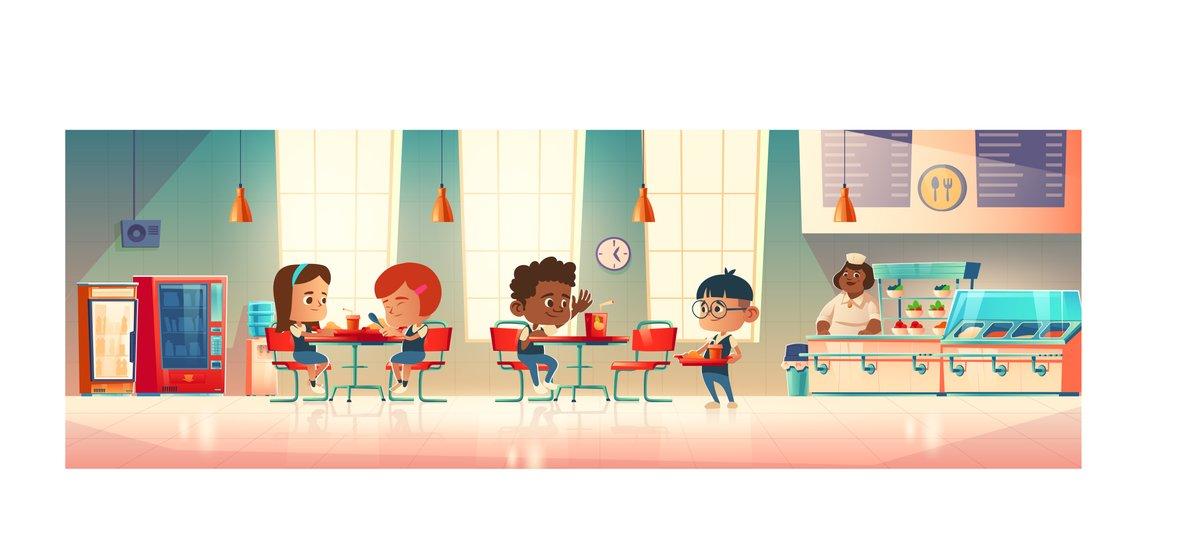
That's a great project—Illustrator is fantastic for children's books because of its vector graphics (scalable, clean, vibrant).
Here’s a quick roadmap to help you design efficiently:
Document setup
Standard trim sizes: 8″×10″, 10″×10″, or 8.5″×8.5″
Add 0.125″ bleed on all sides
Set color mode to CMYK (unless publishing digitally only, then RGB is fine)
Layout & spreads
Work in facing pages (spreads) if you want full-bleed illustrations across two pages.
Leave a 0.5″ gutter margin on the binding side so text doesn’t disappear into the spine.
Illustration style
Use shapes, Pen tool, and brushes for a flat or semi-textured look.
Keep color palette limited (e.g., 5–8 main colors) for consistency.
Try Global Swatches so you can update colors across all artboards instantly.
Typography tips
Use legible, friendly fonts (e.g., KG Primary Penmanship, Century Gothic, or a hand-drawn one).
Convert text to outlines only at the very end (keep it editable while writing).
Keep text away from bleed and gutter edges.
Efficiency hacks
Use Symbols for repeated elements (e.g., trees, clouds, characters in different poses).
Layer management:
Layer 1: Background
Layer 2: Characters
Layer 3: Foreground details
Layer 4: Text
Save a template (.ait) with grids, bleeds, and guides already set up.
Export for print
PDF/X-1a:2001 or PDF/X-4
Embed fonts (or outline them)
Keep 300 DPI for raster effects (Effects → Document Raster Effects Settings)